
The phone app
The Android app draws the deck full screen and sends your touches to the server. Source and releases: macro-grid-client.
- Android 7.0 (API 24) or newer, on the same network as the server.
- The app does nothing without a running Macro Grid server.
- The app's screens are in Turkish or English. It follows the phone's language unless you choose one in Settings.
Install
- Install and start the server first.
- Download the APK from the phone app download page and open it on the phone. Allow installing from your browser or file manager when Android asks.
Connect
- Scan the QR code from the editor's Pairing window, or
- enter the server address and the PIN. The app remembers servers you used; switch, delete or add one from the drawer.
Using the deck
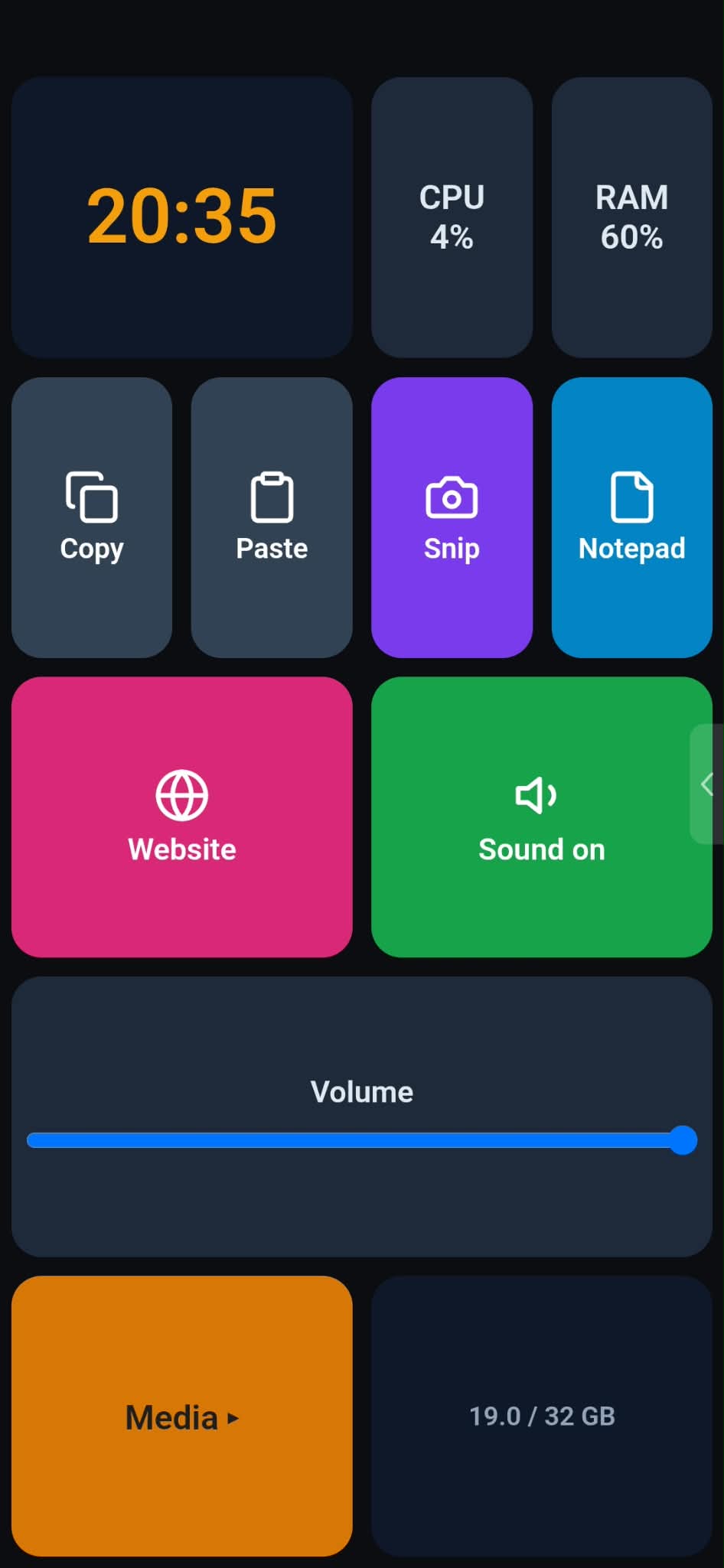
| You do | What happens |
|---|---|
| Tap a button | Press and release are sent to the server. |
| Hold | Long press. |
| Tap twice | Double tap. |
| Drag a slider or knob | The value is sent; if it is tied to a variable it also follows changes made elsewhere. |
| Swipe left or right with two fingers | Change page. It works anywhere on the deck, also over a slider or knob. One finger never changes page. |
| Pull from the edge (or use the handle) | Open the profile drawer. |
The drawer lists profiles, saved servers and the lock switch. While the lock is on, automatic profile switching pauses; choosing a profile by hand always works.
Settings
- Kiosk mode hides the status and navigation bars (on by default).
- Orientation lock.
- Keep awake: the screen stays on while a profile is shown.
- Language: automatic (the phone's language), Turkish or English.
- Updates: the version, whether the app checks for updates by itself, whether pre-releases count, and whether updates may download over mobile data (Wi-Fi only by default).
Updates
At start and about every six hours the app asks github.com whether a newer version exists. If there is one, a dot appears on the drawer handle and the drawer shows "New version available"; the first time after the app starts, the update screen also opens by itself. It lists what changed in every version in between, with Update now, Later and Skip this version.
Update now downloads the file (over Wi-Fi unless you allowed mobile data, and it asks before using mobile data), checks it and hands it to Android. The first time, Android needs your permission to install apps: the app explains this first and then opens the Android page where you turn on Allow from this source. Android then shows its own confirmation and may show a security warning; choose to install anyway. Macro Grid closes while it installs, so open it again afterwards. Your pairing is kept. You can turn the check off in Settings; Check for updates there checks at once.
An update only installs if it is signed with the same key as the installed app. If you have version 0.1.1 (published as a test build with a different key), uninstall it once and install the new version by hand.
When the connection drops
The app reconnects with a growing wait, shows the last layout with an "offline, cached" badge, and caches icons so reconnecting is quick. If an action fails on the PC, you see a short red error toast.