
Beta software, written entirely by AI.Nothing has been reviewed line by line by a human or security-audited. No warranty, no liability: you use it at your own risk.Read more
Skip to content

Macro GridA macro deck for your Windows PC, on your phone

Design your own buttons, toggles, sliders and knobs. Press keys, open programs, change the volume and control OBS from any phone, tablet or browser on your network, with live values from your PC on screen.
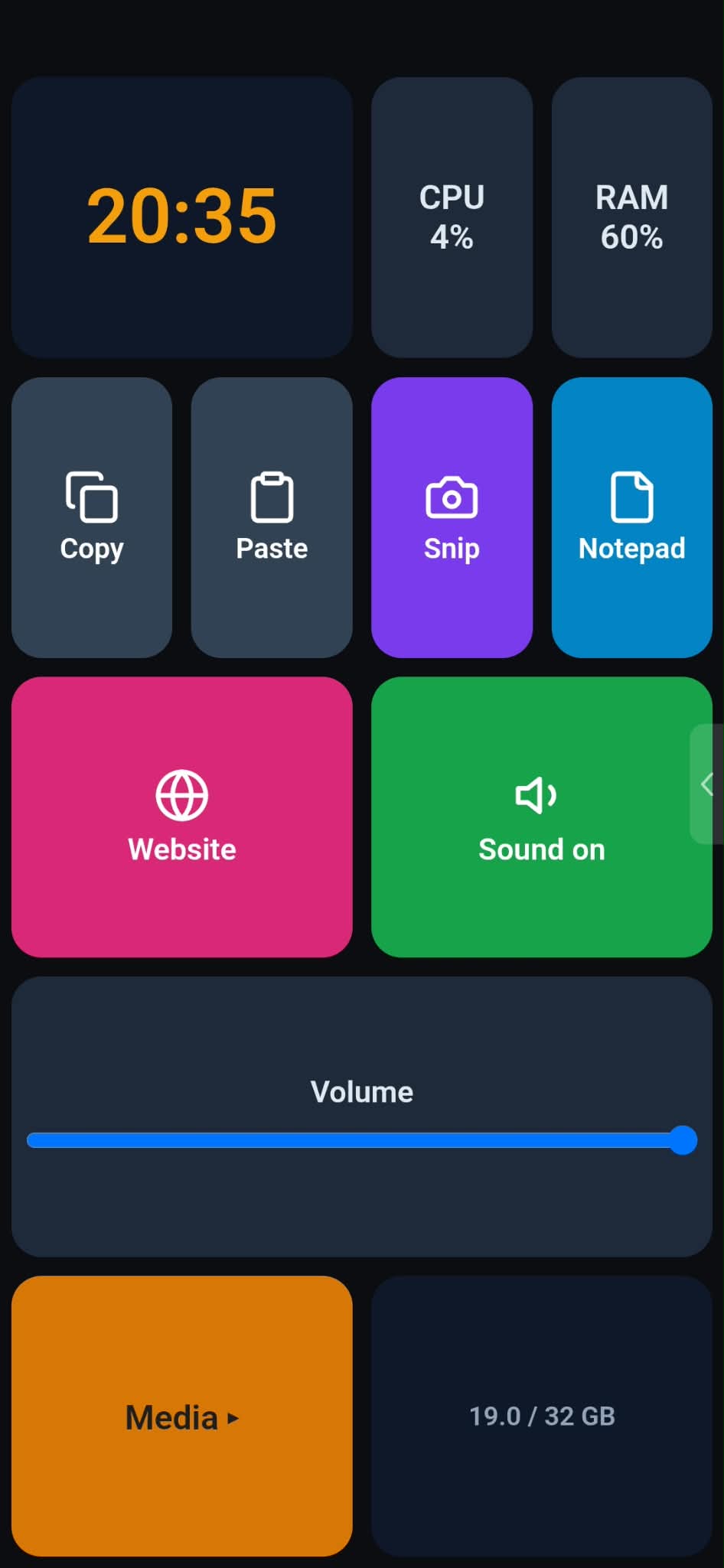
A Macro Grid deck on a phone

How it works ​

  1. Install Macro Grid on your Windows PC. It lives in the notification area.
  2. Pair your phone by scanning the QR code in the editor, or open the deck in a browser and enter the PIN.
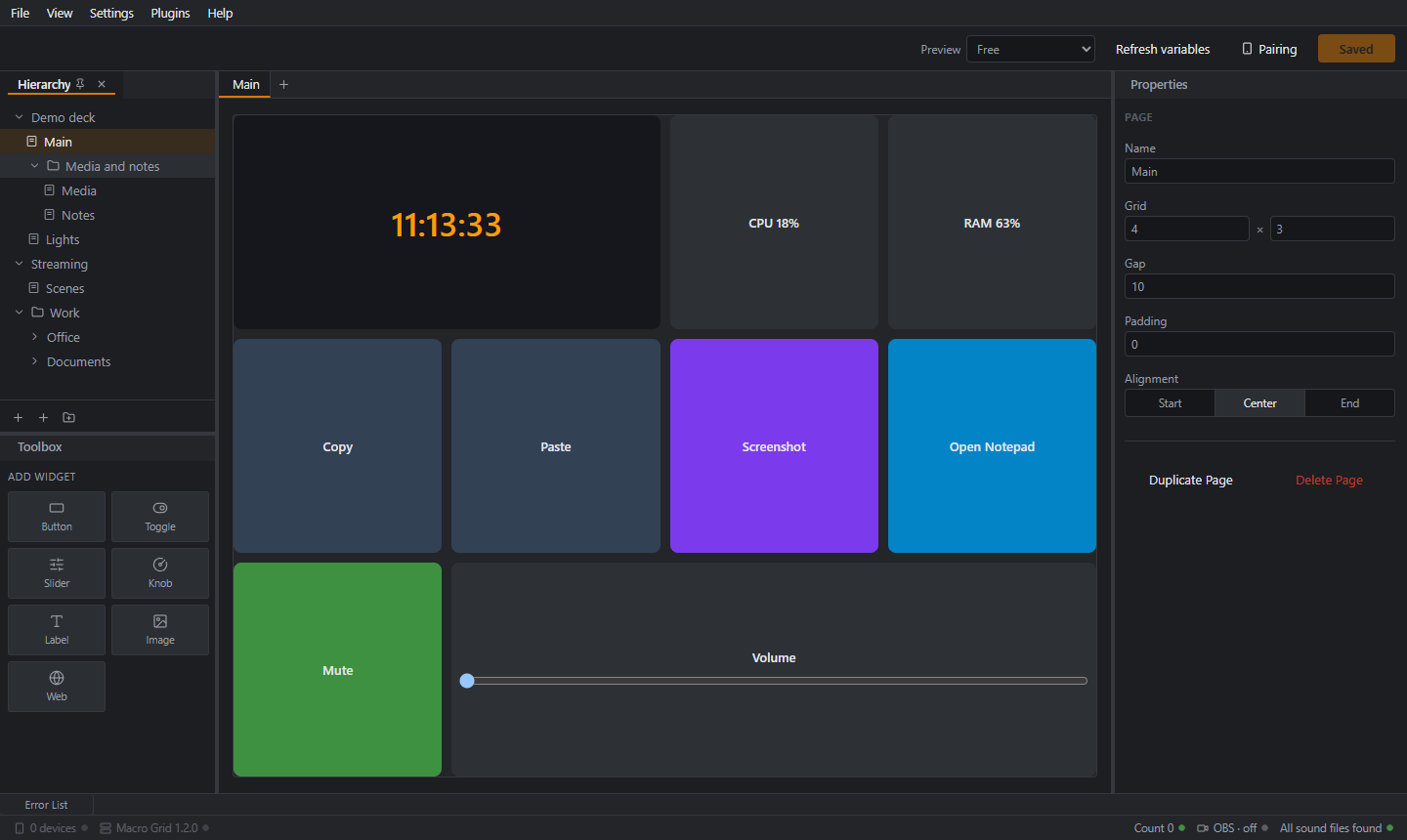
  3. Design your pages in the editor and press Save. The phone updates at once.

The Macro Grid editor

The ecosystem ​

  • Macro Grid for Windows: the server and the editor where you design decks.
  • The phone and tablet app for Android, or any browser.
  • Plugins: OBS control, icon packs and more.

How the parts fit together

Get started ​

Download for Windows and Android, then follow the Quick start. Stuck? See Troubleshooting.

Beta, AI-generated, at your own risk

All code, design, documentation and artwork of this project, including this site, were created by an AI assistant. Nothing has been reviewed line by line by a human or security-audited. Features and file formats can still change. It is meant for a home or office network you trust, not the internet. Read Security first.

Macro Grid sites: PC · Phone · Plugins
Released under the MIT License. Beta software, written entirely by an AI assistant, provided as is without warranty.